Creating a Scratch Account
- Go to scratch.mit.edu
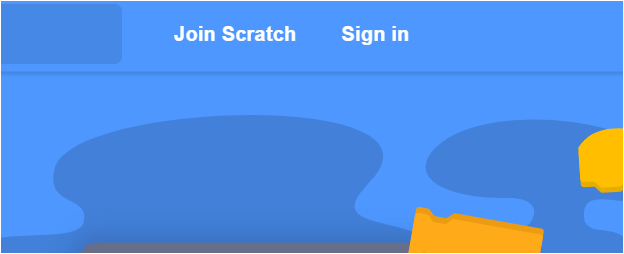
- Click on "Join Scratch in the upper right corner"
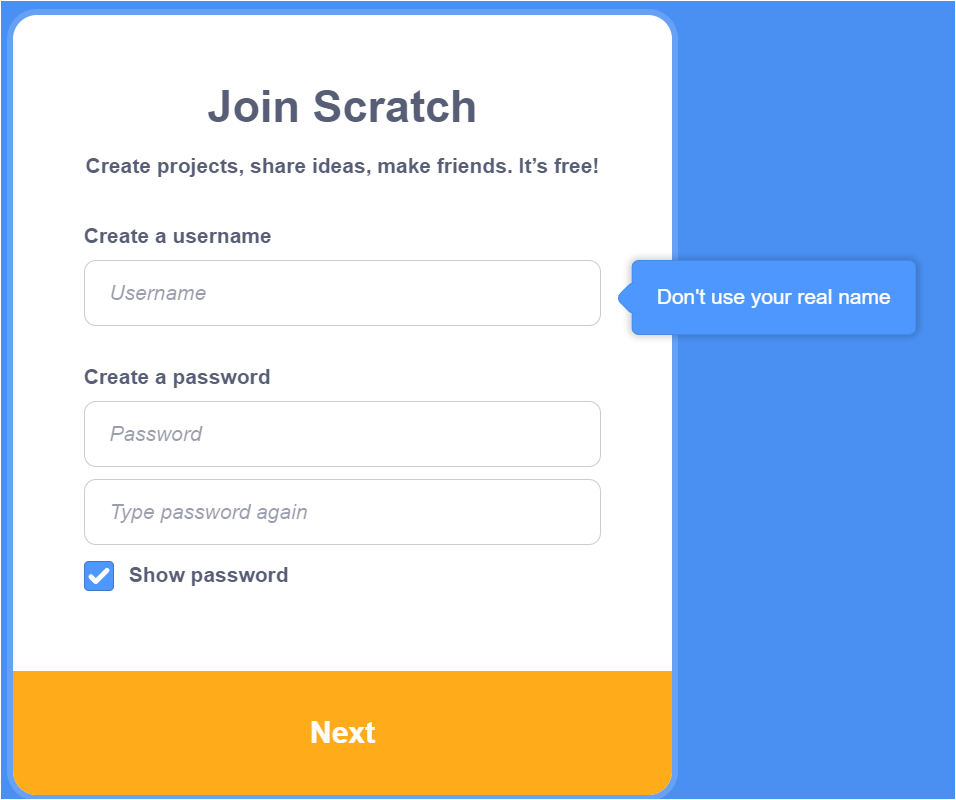
- Create a username and password. For your own privacy you might not want to use your name as your username.
- Provide your country, birth month/year, and gender as required [They have to collect your birthday for some US and EU privacy issues].
- Provide your email address. You will need to do this so you can confirm your account which is necessary to share/submit homework for grading.
- Check your email client for an email from Scratch. As noted, you need to confirm your email in order to properly use Scratch in this class.
- Share this username with me so that you get credit for your homework by using this Google Form.
If you are having problems with sharing from your account later in the course.
- Log in.
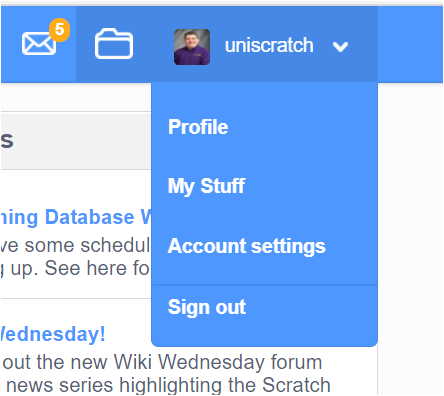
- In the upper right hand corner click on your username and then select account settings.
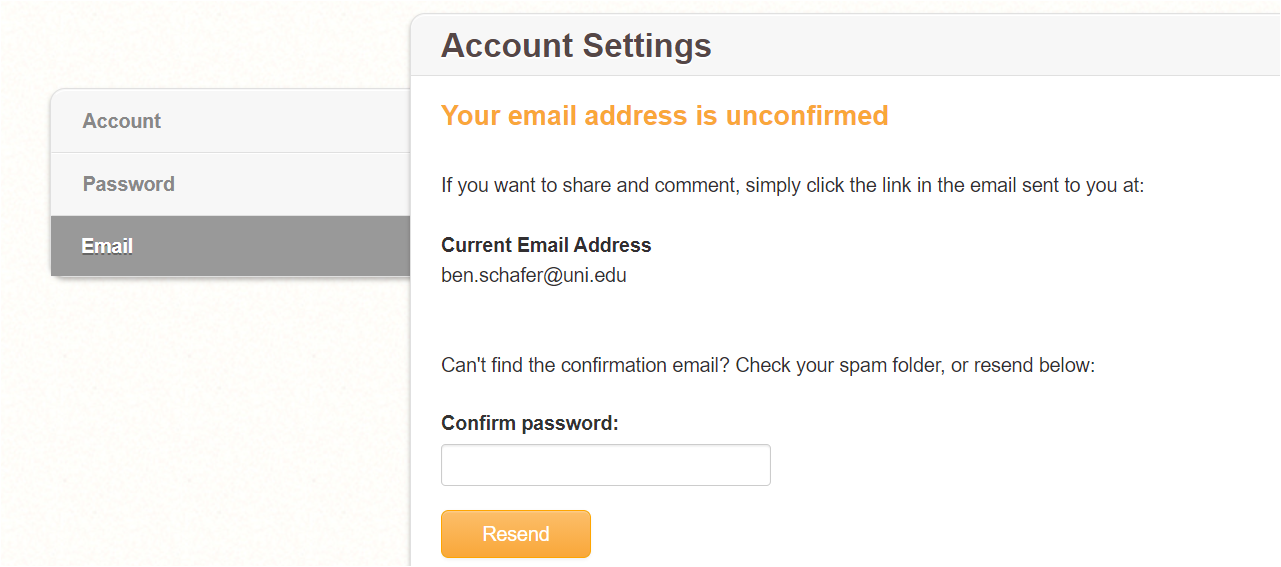
- On the right hand side click on "Email"
- Does Scratch say "Your email address is unconfirmed" ? If so you will need to find the confirmation email. If needed, have it resent.